Iphey.com and the Undetectable anti-detect browser

What iphey.com checks (IP, DNS, WebRTC, Canvas/WebGL, fonts) and how to configure Undetectable so the fingerprint looks typical and accounts run stably.

Start with Undetectable
iphey

The modern Internet has long ceased to be a space of unlimited freedom. Every click, request, or page transition leaves a digital trace that becomes a tool of control. Corporations analyze user behavior for targeted advertising, governments implement mass surveillance systems, and cybercriminals hunt for data. Even basic actions — logging into social networks, paying for services, or searching for information — reveal your location, device, and habits.

Two tools help maintain anonymity in such conditions: anti-detect browsers (such as Undetectable), which spoof the digital fingerprint, and audit services (like iphey.com), which verify how successful that spoofing is. Their combination is not a luxury but a necessity for those who manage multiple accounts, bypass geo-blocks, and protect digital privacy.

iphey

What is iphey.com?

The iphey.com service is a tool for analyzing a browser’s digital fingerprint and checking online anonymity. It helps users understand how their device and browser appear to websites, anti-fraud systems, and trackers.

A single unique parameter — a browser fingerprint, a leaking IP address, or a geolocation mismatch — is enough for algorithms to identify you. Consequences range from intrusive ads to account blocks, restricted access to services, or exposure of sensitive data. Traditional protections (VPNs, private browsing modes) no longer suffice: trackers have learned to detect masking by analysing WebGL hashes, Canvas fingerprints, the installed fonts list and other metadata.

Description of the iphey.com technology

The iphey.com service performs a comprehensive browser check, analyzing the digital fingerprint (fingerprint) and device parameters to identify data that can be used to recognize a user.

IP address and network parameter analysis

Detection of real IP address: iphey.com identifies IPv4/IPv6 addresses, even when using a VPN or proxy. In addition, it verifies whether the declared IP (for example, from a proxy) matches the actual one. The service also detects leaks via WebRTC — a technology used for video calls that can expose your real IP.

The iphey.com anonymity check analyzes whether DNS requests are transmitted through unsecured servers, which could reveal browsing history. It also detects whether a public proxy or an IP from a “blacklist” (e.g., one flagged as spam) is being used.

IP address and network parameter analysis

Browser analysis

The iphey.com web service tests and inspects the following browser characteristics: It checks the User Agent, which contains data about the browser, its version, and the operating system (for example, Chrome 120 / Windows 10). It detects inconsistencies, such as when the User Agent indicates macOS, but the Canvas fingerprint matches Windows. It analyzes request headers (e.g., Accept-Language, Referrer), which can reveal the system language or referral source. It checks whether trackers or unique identifiers are stored in cookies.

Browser analysis

Device parameter check

Includes a Canvas fingerprint test: the browser draws a hidden image using the <canvas> element. Due to differences in graphics drivers, GPUs, and anti-aliasing settings, the rendering result is unique for each device. In addition, iphey.com runs a WebGL check — the browser executes a script that renders a 3D object. Hardware characteristics (GPU, drivers) influence the result. The service also checks the AudioContext by generating a sound wave through the Web Audio API. Device-specific traits (such as the sound card) create unique distortions.

Each test produces a specific hash, which iphey.com compares against its database. If the hash matches thousands of other users, the risk of deanonymization is low; if it is unique, the risk is high.

Device parameter check

Software and settings

The iphey.com anonymity check identifies installed fonts — a unique set (for example, rare designer fonts) increases identifiability. It analyzes installed plugins (navigator.plugins) and browser extensions, as well as whether Flash, ActiveX, or Java support is enabled. It compares timezone and language settings — a mismatch with IP geolocation is a red flag.

Software and settings

Geolocation

iphey.com reveals what information about your location and internet connection can be seen by websites, ad platforms, and attackers. Specifically, it displays: your current public IP address (both IPv4 and IPv6, if active), precise geolocation (country, region, city), and your internet provider details.

Geolocation

After the test, iphey.com shows a results panel with color-coded indicators. If the indicator is green, everything is fine — you appear as a typical user to monitoring systems. If it’s red, you need to adjust your settings — you may be trackable by this parameter.

Getting started is easy — just 4 steps

1. Download the browser

Undetectable is available for Windows and macOS. Installation takes less than a minute.

1. Download the browser

2. Register an account

Create a free account in seconds and get instant access to Undetectable.

2. Register an account

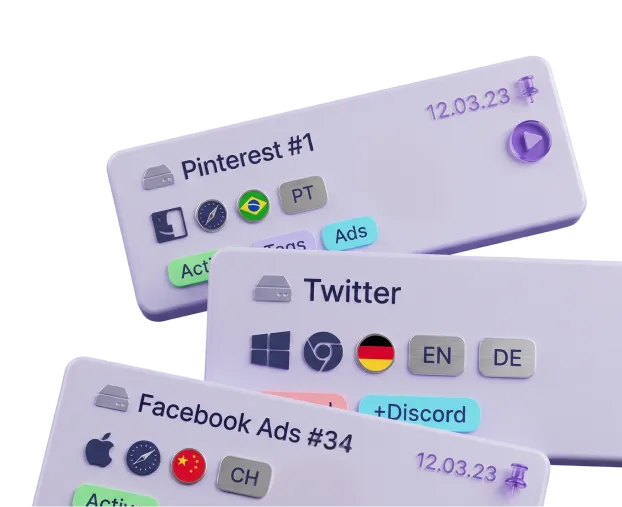
3. Create profiles

Create multiple profiles with unique fingerprints, proxies, and cookies — all in one place.

3. Create profiles

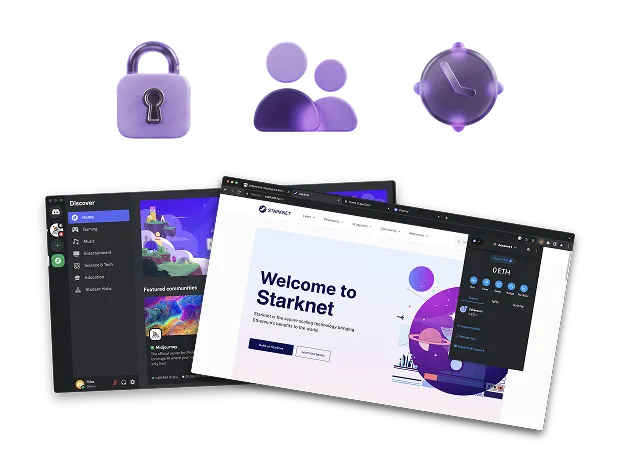
4. Start working

Use isolated profiles across different websites and platforms without conflicts or accidental bans.

4. Start working

Where and how is the iphey.com anonymity check service used?

The iphey.com browser testing service is a tool for analyzing a browser’s digital fingerprint, useful in various fields where anonymity and protection against deanonymization are critically important.

Managing multiple accounts (multi-accounting)

Managing multiple accounts (multi-accounting)

SMM specialists, marketers, and affiliate professionals use dozens of accounts on social networks (Instagram, Facebook, TikTok) or marketplaces (Amazon, eBay), where profile isolation is essential.
With iphey.com, they verify whether an anti-detect browser (for example, Undetectable.io) correctly spoofs profile parameters.
The service detects unique digital fingerprints (Canvas, WebGL) that could lead to account blocks. It increases account stability and reduces anti-fraud triggers by eliminating inconsistencies between IP address, geolocation, and browser settings.

Web scraping and data parsing

Web scraping and data parsing

Data engineers and parser developers use iphey.com when automating data collection from websites protected by anti-bot systems (e.g., Cloudflare, Distil Networks). They test proxy and anti-detect browser configurations before running scripts.
The service identifies unique parameters (like font lists or WebGL versions) used by websites to detect bots and checks the stability of anonymity during long sessions.
As a result: fewer IP blocks and more successful requests.

Cryptocurrency operations and trading

Cryptocurrency operations and trading

Traders and crypto wallet owners — when working with exchanges (Binance, Bybit) or performing anonymous transactions — use iphey.com to check whether their browser leaks real location data via WebRTC or DNS.
The service analyzes the digital fingerprint to prevent accounts from being tied to a specific device, reducing the risk of frozen assets due to suspicious activity.

Security testing and IT audits

Security testing and IT audits

Penetration testers and cybersecurity specialists use iphey.com to detect weak points in anonymity settings (for example, mismatched GEO and IP addresses) when auditing corporate networks or browser-based applications.
They analyze which browser data could be exploited in attacks — for example, a Canvas fingerprint that may identify internal users.

Bypassing geoblocks and censorship

Bypassing geoblocks and censorship

Users from restricted regions rely on iphey.com to access blocked social networks, media, or streaming platforms.
The service checks whether VPNs or proxies leak real IPs through DNS, and ensures that browser parameters (language, time zone, screen resolution) match the selected region.
This enables secure access to restricted resources without the risk of deanonymization.

01 / 05

Why should you use iphey.com together with the Undetectable anti-detect browser?

Using the Undetectable anti-detect browser is only the first step toward anonymity. Even the most advanced tools cannot guarantee 100% protection. Detection technologies constantly evolve — anti-fraud systems (such as those used by Facebook, Google, and banks) update their algorithms daily, learning to spot even microscopic inconsistencies in digital fingerprints.

And then there’s the human factor — mistakes in profile settings (for example, an incorrect time zone or a forgotten plugin) can expose your real trail.
Some data (like IP address, screen resolution, installed plugins, and extensions) change over time and require regular verification.

How does the combination of Undetectable + iphey.com solve these problems?

iphey.com acts as a “digital lie detector”

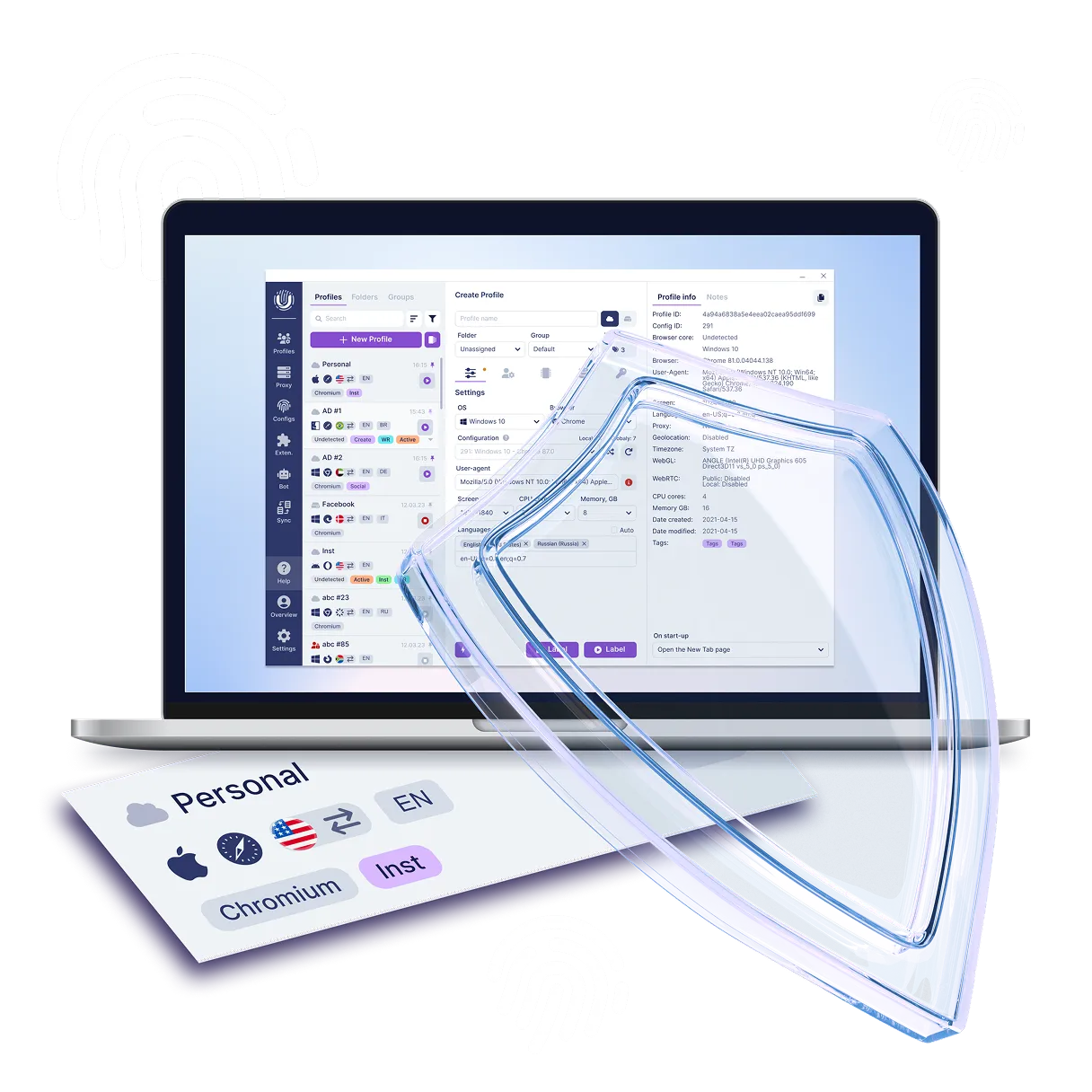
The Undetectable anti-detect browser masks your digital footprint, modifying parameters such as UserAgent, Canvas/WebGL fingerprints, font list, screen resolution, and other metadata so that your browser appears as a typical device from your target audience.
The iphey.com privacy auditing service checks how successfully Undetectable hides your activity. It ensures that your proxy/VPN is stable and that the declared region matches the IP address. It compares browser parameters (Canvas, WebGL, fonts) against typical values — if your fingerprint is unique, anti-fraud systems will notice it.

Undetectable and iphey.com — like a lock and a set of lockpicks

One protects, the other reveals where the protection is weak. In a world where algorithms monitor you better than intelligence agencies, this combination is not a luxury — it’s a necessity.
Use it to minimize the risk of deanonymization, ensure predictable business operations (no sudden account bans), and preserve your reputation and finances.
Check your profiles as regularly as you clear your browser cache — in digital security, there are no small details.

Proactivity over reaction

You find vulnerabilities before attackers or tracking systems can exploit them.
It’s simple: the Undetectable anti-detect browser hides your traces, and the iphey.com testing service checks whether there are any leaks in the disguise.
This proactive approach saves time and resources — five minutes of testing can save hours of recovering blocked accounts.

Special offer!

Sign up now and get a free plan with 5 cloud profiles in Undetectable! Takes 2 minutes.

Try for free

How to get started with Undetectable

Just five steps separate you from safe and undetectable work online. Sign up, install the browser and connect a proxy — within a couple of minutes you'll be able to create separate profiles without fingerprint overlap and safely manage multiple accounts.

  1. 1Sign up on the website and confirm your e-mail
  2. 2Choose a plan in your account. Free by default
  3. 3Download and install the app for Windows / macOS
  4. 4Create your first profile in the Undetectable browser
  5. 5Add proxies and start managing accounts without the risk of bans
How to get started with Undetectable

Frequently Asked Questions (FAQ) about the Iphey.com Service

Still have questions?

Have questions or need assistance? Our team is here to help!

Contact us

Conclusion

Using iphey.com together with the Undetectable antidetect browser greatly simplifies multi-account management while reducing the risk of bans.
Undetectable creates unique profiles for each account by replacing digital identifiers — from IP address and geolocation to graphical browser fingerprints.
This allows you to simulate the behavior of different users, avoiding platform detection and suspicion.
However, even a perfectly configured setup doesn’t guarantee full anonymity: tracking algorithms are constantly evolving, and human errors in configuration can cause data leaks.
That’s where iphey.com comes in — it audits how effectively your parameters are masked, identifying inconsistencies such as real IP exposure through WebRTC or rare fonts that could reveal your activity.

Conclusion