Pixelscan and the Undetectable antidetect browser

Check your anonymity level with Pixelscan and the Undetectable antidetect browser — protect your IP and reduce your digital footprint online.

Start with Undetectable
Pixelscan

When you use an antidetect browser, it’s important to regularly check your level of anonymity. Privacy-checking tools like Pixelscan help ensure that your browser is protected against leaks and data exposure. Regular checks help you avoid mistakes that could reveal your real IP or fingerprint, keeping you safe online.

Pixelscan

What is Pixelscan?

Pixelscan is an online service for detailed analysis and evaluation of your browser’s anonymity. It helps determine what data about you can be collected by websites and provides recommendations to improve your privacy. The service is especially useful for users of antidetect browsers who aim to minimize their digital footprint and avoid tracking.
In addition, Pixelscan functions as a powerful proxy checker, allowing you to check your IP and verify that it works correctly.
If you’re looking for an answer to the question “how to check a browser for vulnerabilities,” Pixelscan offers a simple and intuitive interface.
Using antidetect technologies together with this service provides a double layer of anonymity verification and enhances the security of your data.

Description of Pixelscan Technology

Pixelscan performs a deep analysis of many parameters of your browser, including:

IP Address and Geolocation

The service checks your IP address, determines your geographic location, and verifies whether it matches your antidetect browser settings. If you use a proxy, Pixelscan acts as a proxy checker, allowing you to test your IP for leaks. This is an essential step for a complete anonymity check.

IP Address and Geolocation

WebRTC and DNS Leaks

WebRTC can reveal your real IP address even when using a VPN. Pixelscan checks for such leaks and suggests ways to fix them, which is especially important for those looking to test their browser for hidden vulnerabilities.

WebRTC and DNS Leaks

Canvas and WebGL Fingerprinting

Canvas and WebGL are used to render graphics in the browser. Unique characteristics of your device can be used to create a digital fingerprint that allows websites to track you. Pixelscan analyzes these parameters and assesses their uniqueness, which is crucial for antidetect browser users. The service also demonstrates how to test browser resistance to fingerprinting methods, strengthening your anonymity check.

Canvas and WebGL Fingerprinting

HTTP Header Analysis

HTTP headers contain information about your browser, operating system, and other parameters. Inconsistencies or unusual values in these headers may indicate the use of an antidetect browser or proxy. Pixelscan checks headers for anomalies, helping those who want to test their browsers for hidden vulnerabilities.

HTTP Header Analysis

Hardware and Software Parameters

The service collects data about your device: operating system, screen resolution, installed fonts, language settings, and more — all of which can be used to create a digital fingerprint. This is critical for verifying anonymity in antidetect browsers. If you’re unsure how to test your browser for compliance with modern security standards, Pixelscan provides detailed information on all hardware and software parameters.

Hardware and Software Parameters

After the analysis, Pixelscan provides a detailed report with recommendations to improve anonymity and online security. Performing regular anonymity checks with this service ensures that your antidetect browser works flawlessly and does not reveal your real data.

Getting started is easy — just 4 steps

1. Download the browser

Undetectable is available for Windows and macOS. Installation takes less than a minute.

1. Download the browser

2. Register an account

Create a free account in seconds and get instant access to Undetectable.

2. Register an account

3. Create profiles

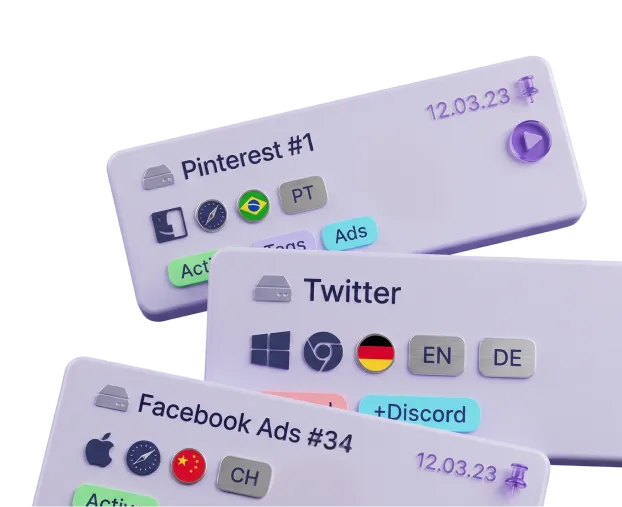
Create multiple profiles with unique fingerprints, proxies, and cookies — all in one place.

3. Create profiles

4. Start working

Use isolated profiles across different websites and platforms without conflicts or accidental bans.

4. Start working

How and where is Pixelscan used?

Pixelscan is useful for everyone who:

Professionals in Internet marketing and traffic arbitrage

Professionals in Internet marketing and traffic arbitrage

When managing multiple accounts and running ad campaigns with antidetect browsers, professionals use Pixelscan to ensure their digital fingerprint does not reveal their real identity. This proxy checker helps test your IP and its masking. If you want to know how to check your browser before launching a new campaign, the service provides comprehensive anonymity verification data.

Scraping and automation specialists

Scraping and automation specialists

When scraping data from websites, it’s crucial to stay undetected to avoid blocks. Pixelscan allows you to verify how effectively your actions are hidden and ensures the correct use of an antidetect browser. For those looking to test their browser for better security, this service is an essential tool.

Researchers and journalists

Researchers and journalists

For online investigations, anonymity is vital. Pixelscan helps ensure that your browser is protected against tracking. Using antidetect technologies together with this service guarantees that even complex queries can be checked at a deep anonymity level.

Regular users concerned about privacy

Regular users concerned about privacy

Even if you are not a professional internet user, knowing what data is collected about you — and how to minimize it — is an important aspect of digital hygiene. If you don’t know how to check your browser manually, Pixelscan provides step-by-step guidance, strengthening your overall anonymity.

01 / 04

Why you should use Pixelscan together with the Undetectable antidetect browser

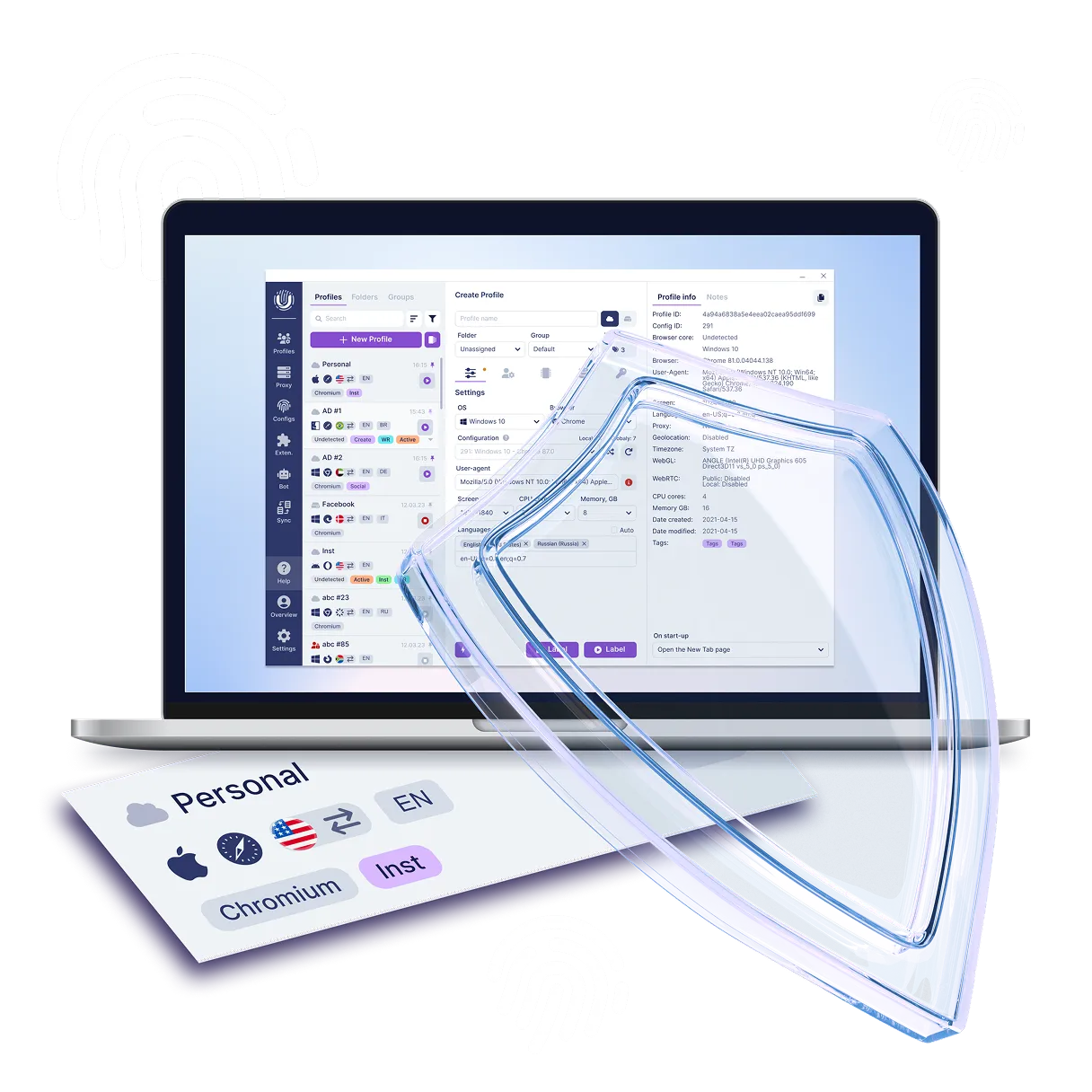
The Undetectable antidetect browser is designed to mask digital fingerprints and ensure online anonymity. However, without regular configuration checks, there’s a risk that some parameters might expose your identity.
Using antidetect technologies guarantees that even under complex fingerprinting attacks, your browser remains protected. If you’re looking for a way to check your browser for complete anonymity verification, combining Pixelscan with the Undetectable browser is the optimal solution.

Dual-level verification

Undetectable hides your data, while Pixelscan confirms the effectiveness of that masking by detecting possible vulnerabilities. This proxy checker also helps test your IP, providing confidence in the proper functioning of your antidetect browser.

Continuous monitoring

Tracking technologies are constantly evolving. Regular checks with Pixelscan allow you to detect new tracking methods in time and adapt your antidetect browser settings accordingly. If you’re unsure how to test your browser amid constantly emerging threats, this service always provides an up-to-date anonymity check.

Confidence in security

Knowing that your browser has passed a thorough vulnerability assessment gives you confidence in your online anonymity and safety.
The antidetect browser combined with this proxy checker not only helps you verify your IP but also ensures a high level of anonymity through regular data updates.

Special offer!

Sign up now and get a free plan with 5 cloud profiles in Undetectable! Takes 2 minutes.

Try for free

How to get started with Undetectable

Just five steps separate you from safe and undetectable work online. Sign up, install the browser and connect a proxy — within a couple of minutes you'll be able to create separate profiles without fingerprint overlap and safely manage multiple accounts.

  1. 1Sign up on the website and confirm your e-mail
  2. 2Choose a plan in your account. Free by default
  3. 3Download and install the app for Windows / macOS
  4. 4Create your first profile in the Undetectable browser
  5. 5Add proxies and start managing accounts without the risk of bans
How to get started with Undetectable

Frequently Asked Questions (FAQ)

Still have questions?

Have questions or need assistance? Our team is here to help!

Contact us

Conclusion

Use Pixelscan and the Undetectable antidetect browser — a proven way to ensure anonymity verification and reliable data protection online.
This antidetect browser combined with the best proxy checker not only lets you check your IP but also shows you how to test your browser for vulnerabilities.
Regular anonymity checks with Pixelscan guarantee that your data remains securely protected.

Start now: Check your IP and your browser’s reliability!
If you still don’t know how to test your browser, use Pixelscan for a complete anonymity check — and let the Undetectable antidetect browser keep your activity safe.

Conclusion