1. Download the browser
Undetectable is available for Windows and macOS. Installation takes less than a minute.
Undetectable Browser runs on 64-bit Windows 10 and above, as well as macOS (from macOS 13 Ventura)
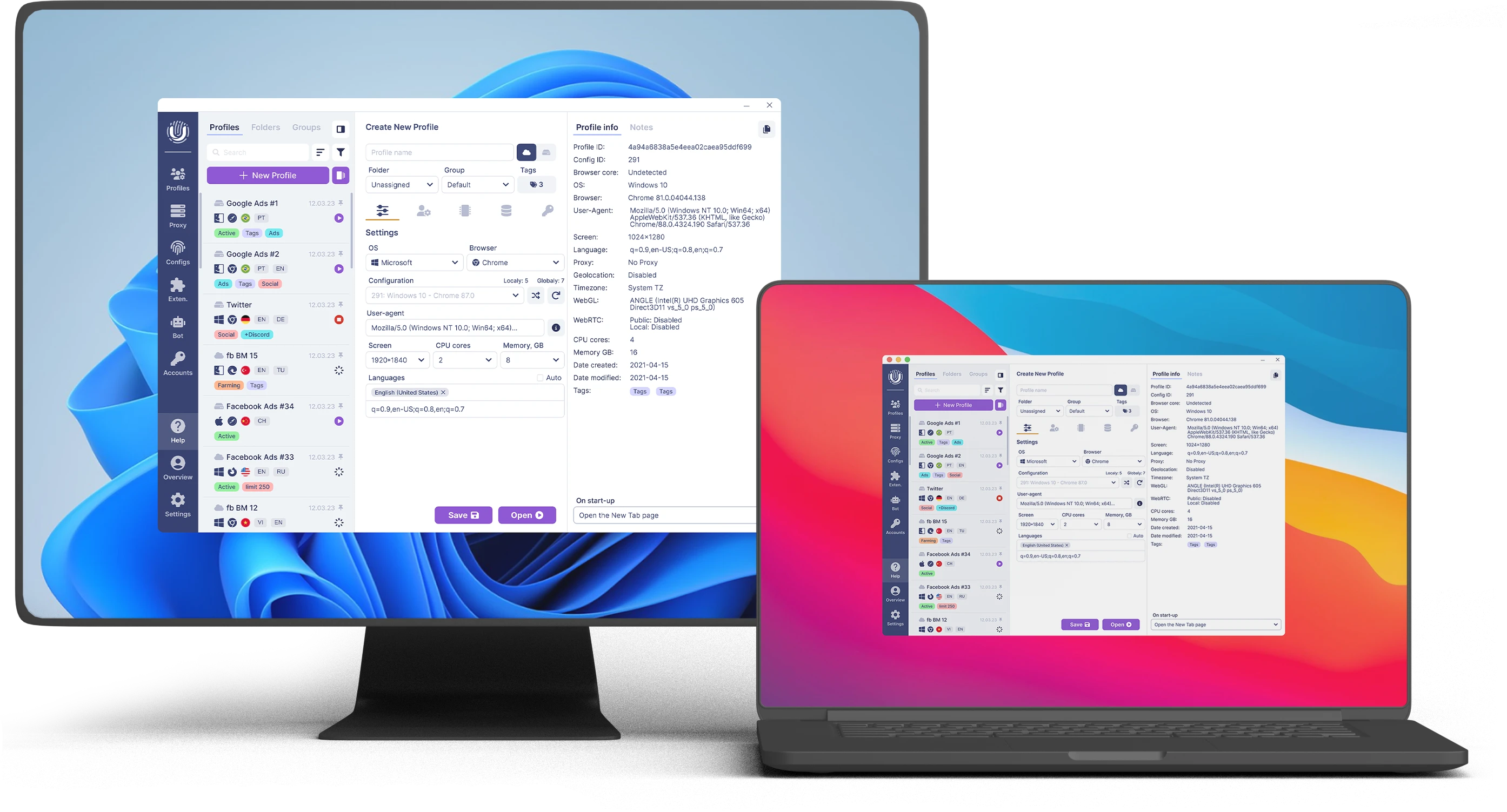
Undetectable is available for Windows and macOS. Installation takes less than a minute.
Create a free account in seconds and get instant access to Undetectable.
Create multiple profiles with unique fingerprints, proxies, and cookies — all in one place.
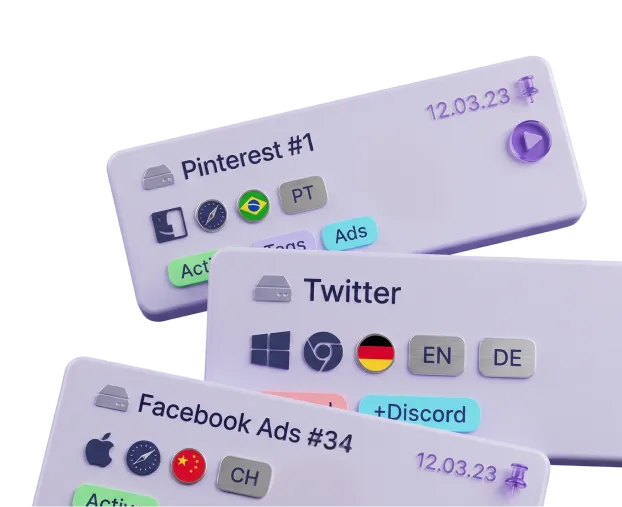
Use isolated profiles across different websites and platforms without conflicts or accidental bans.
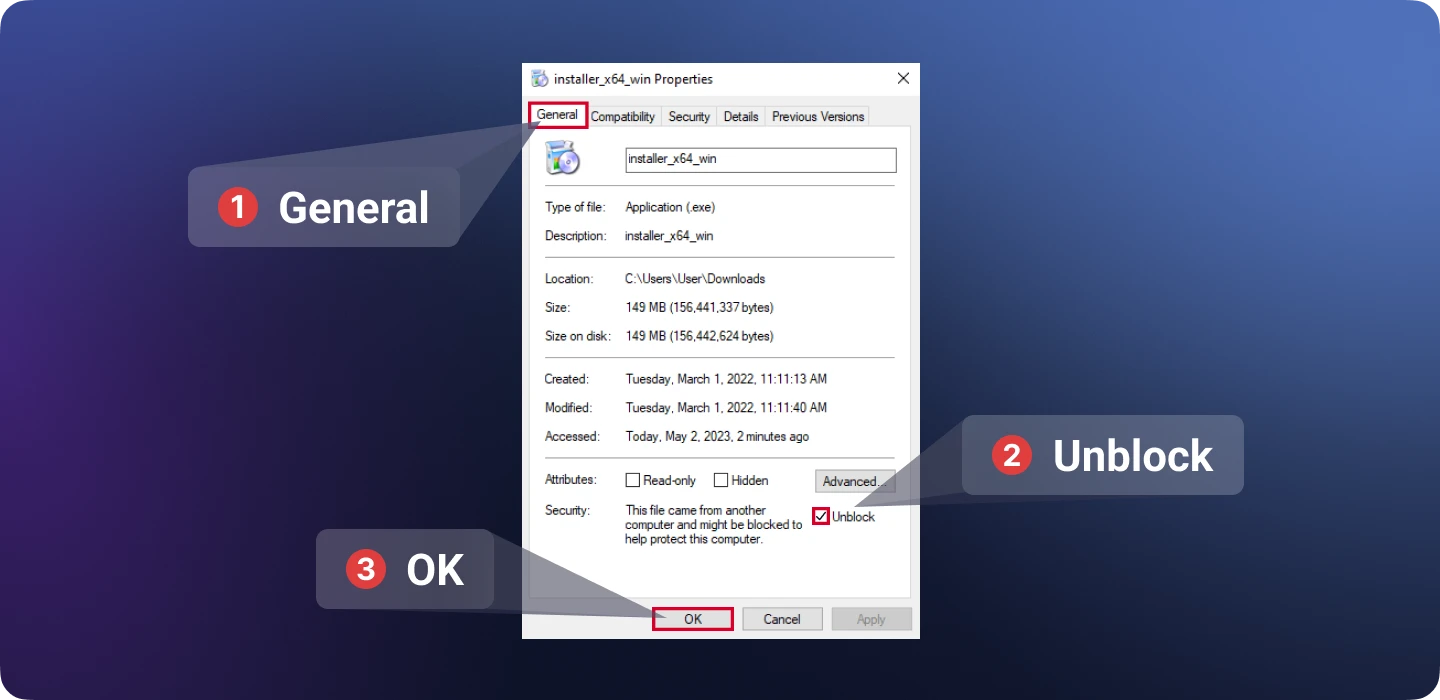
In the folder where Undetectable was installed, right-click on the file "Undetectable.exe". Select "Properties". In the file properties, go to the "General" tab and check the "Unblock" option, then click "OK". Restart the program.
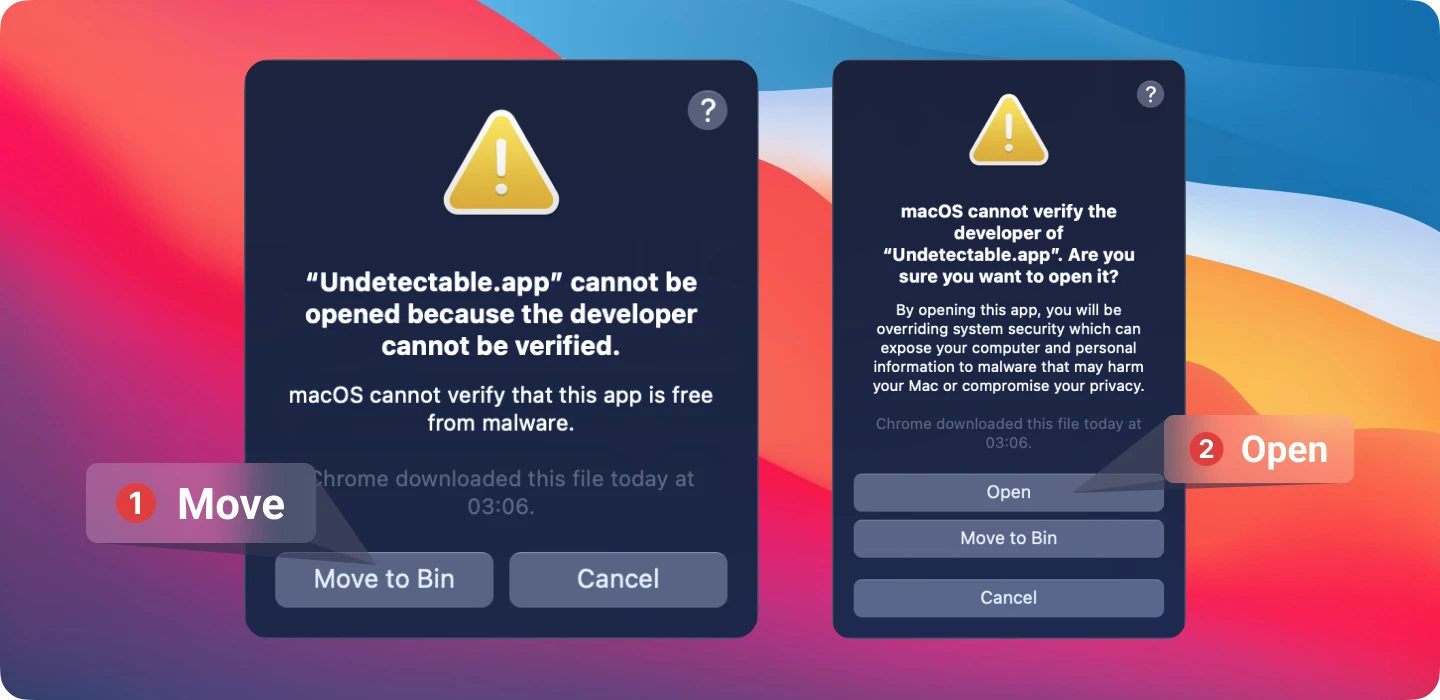
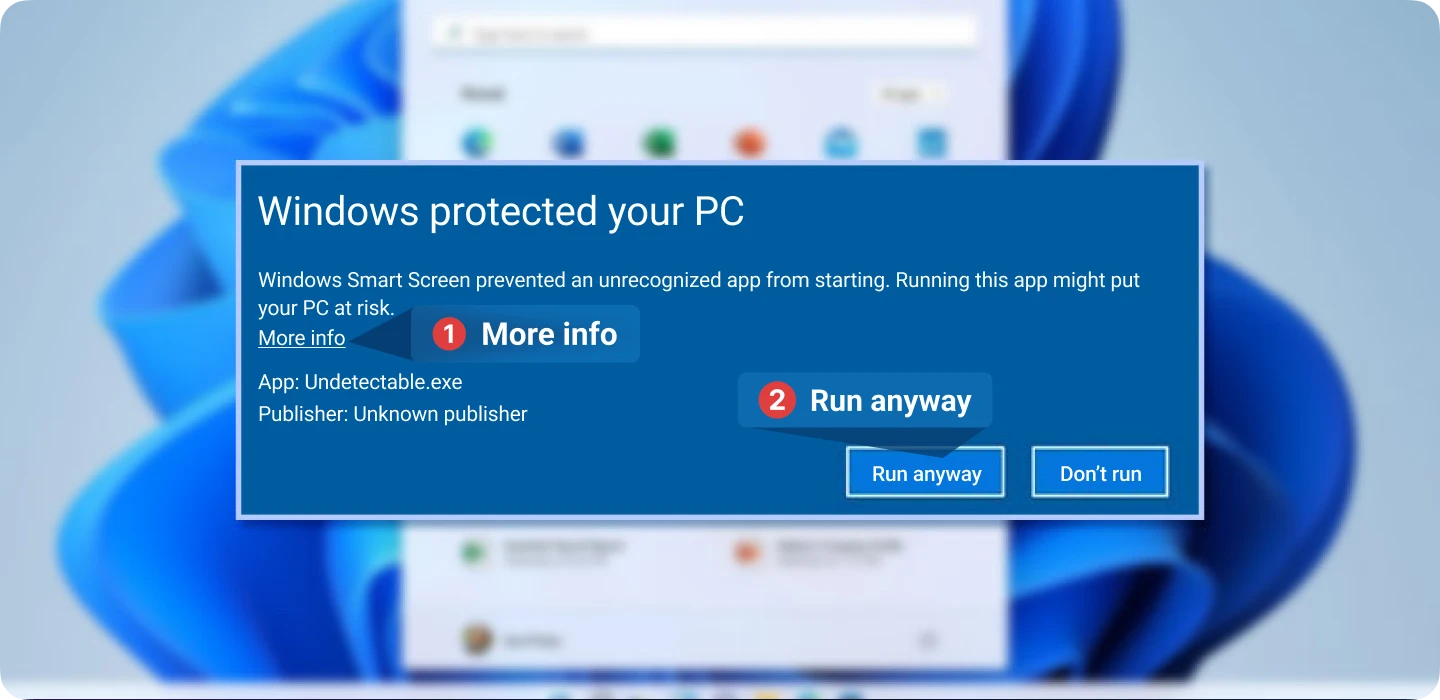
By clicking on the "More" button, an additional button will appear in the window, allowing you to still launch the installer.
Go to "System Preferences". Then navigate to the "Security & Privacy" section. Click on the "Open Anyway" button on the "General" tab to open or install the application. A warning will appear again. Click on "Open". The application will be saved as an exception in the security settings, and you will be able to open it with a double click, like any other authorized application.