Panopticlick and the Undetectable anti-detect browser

Panopticlick measures the uniqueness of a browser. How to use it together with the Undetectable anti-detect browser to reduce fingerprint entropy and avoid tracking.

Start with Undetectable
Panopticlick

In today's digital environment users increasingly face hidden tracking via browser fingerprinting. Even when using incognito mode, a VPN and ad blockers, modern trackers can identify a device by a unique combination of technical parameters — from installed fonts and plugins to GPU characteristics. This issue is especially acute for professionals whose work requires strong anonymity: social media managers handling many accounts, arbitrage marketers, web developers and security testers.

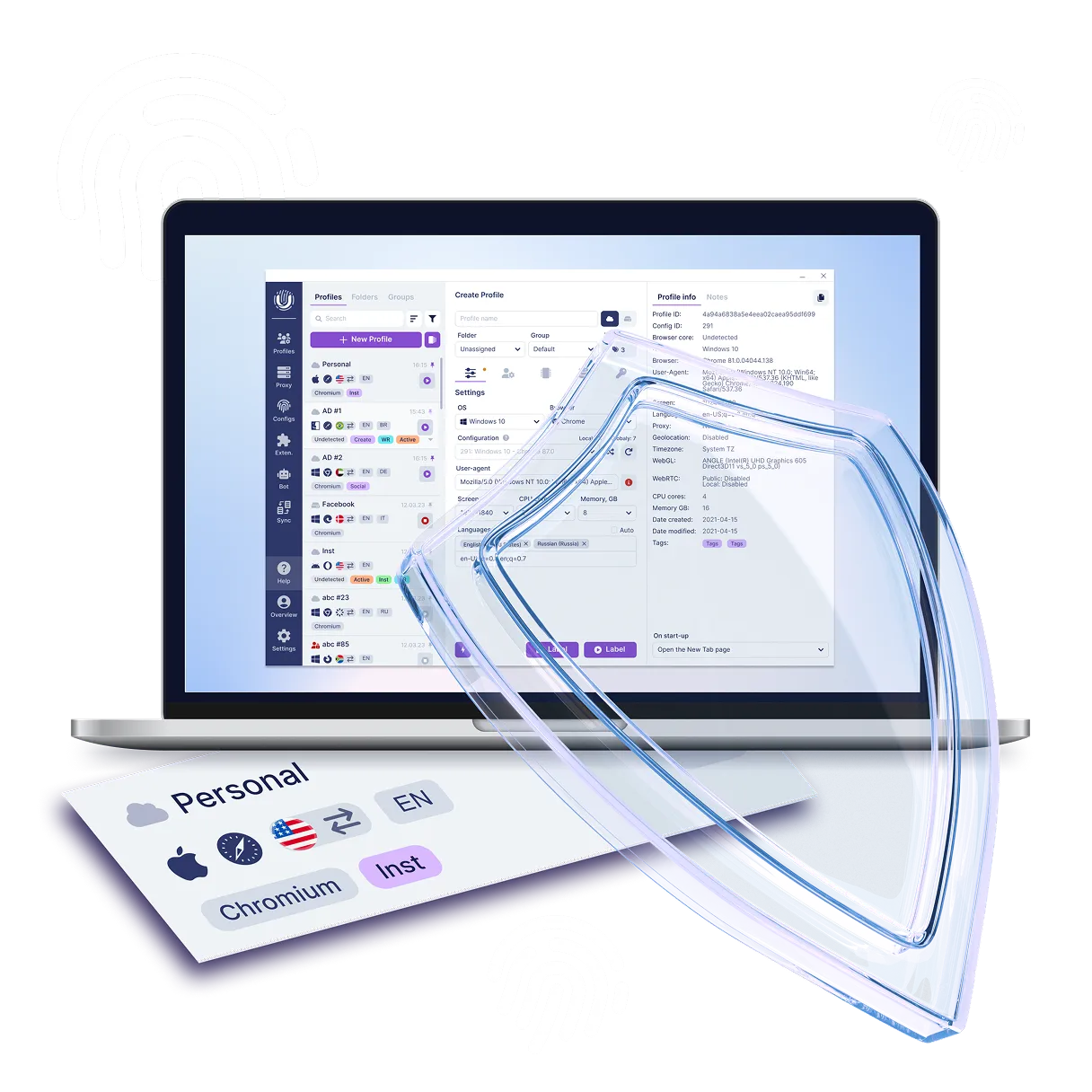
Anti-detect browsers such as Undetectable position themselves as a solution — they allow creating isolated profiles with tailored digital fingerprints that emulate different devices and browsers. Yet the key question remains: how effective are these tools against professional tracking systems? The Panopticlick service from the Electronic Frontier Foundation (EFF) offers an objective method to test how resistant browser fingerprints are to deanonymization, making it an indispensable tool for validating Undetectable configurations.

Panopticlick

What is Panopticlick?

Panopticlick is a research project designed to thoroughly study and analyze how effectively a user's browser and its extensions protect against various methods of online tracking. The project achieves this by collecting specific information about the user’s operating system configuration, browser version, and installed plugins. The collected data is then compared to a large database of configurations from other Internet users, allowing the system to calculate a "uniqueness score." This score clearly illustrates how easily a user can be identified online.

Description of Panopticlick technology?

Panopticlick is an innovative online tool developed by the Electronic Frontier Foundation (EFF) for analyzing the uniqueness of a user's browser fingerprint. The service applies a set of methods to assess how easily your browser can be identified on the Internet based on passively exposed data. Here are the key instruments and parameters Panopticlick examines:

Transmitted headers

User Agent: the data string that, when sent to a web server, contains information about your browser and its version.
HTTP Accept Headers: data about language, encoding and supported content formats. For example, a server may choose to send a plain text file if it detects the user's browser does not support rich document formats. This information can be fairly distinctive and varies between browsers. However, this string generally does not change much over time and can remain the same across different versions of the same browser.

Transmitted headers

Core browser parameters

List of plugins: a plugin is a small program that helps the browser handle content it cannot process natively. In recent years browser plugins have gradually fallen out of use. Browsers now favour more controlled extensions. Nevertheless, plugins still exist in legacy browsers.

Time zone: the system time zone. This metric is represented as a string indicating your time zone, for example “America/Los_Angeles”. It can be used to infer an approximate location, especially if you live in a time zone with relatively few other users.

Screen size and color depth: while this metric can complement other data, it is often too “fragile” for trackers to rely on, since users can easily resize their browser window.

Core browser parameters

Advanced fingerprinting methods

Installed fonts: to detect system fonts, tracking sites typically render text inside an HTML <span> and rapidly iterate styles across hundreds or thousands of known fonts. For each font the site checks whether the element’s width changed compared with the default when rendered in that font. If it did, the tracker concludes the font is installed. The list of fonts present on your machine is often consistent and tied to a particular operating system. If you have installed even a single uncommon font (for example a designer font), that can be a highly informative metric.

Cookie support: the metric “cookies enabled” can be either True or False, indicating whether your browser allows cookies or blocks them. Cookie support can be detected with JavaScript or without it. Alone this provides just one bit of information — True or False — but it becomes much more informative when combined with other attributes.

Supercookie detection: despite the name, “supercookies” are not technically cookies. Although they also store and retrieve unique identifiers, they are much harder to detect and remove. Supercookies can track which sites you visit and how long you spend on them. They can also access data gathered by traditional tracking cookies, for example login information. After a standard cookie is deleted, a supercookie can still reference it.

Language settings: the browser’s preferred language(s). This metric indicates which languages you prefer to see website content in. It adds substantial information to a fingerprint, especially if the language is uncommon in your time zone.

Canvas and WebGL fingerprinting: WebGL and Canvas fingerprint results are closely related. Both methods examine graphics rendered by the browser for minute differences between users. This is a sophisticated and highly reliable fingerprinting metric. Rendered images will slightly differ due to small variances in: GPU hardware, graphics drivers, the operating system and installed fonts. These settings vary across machines, but are typically stable enough on a single machine to uniquely identify a user.


Advanced fingerprinting methods

Hardware-related parameters

Your platform: this metric reflects the architecture of your operating system and CPU and is directly discoverable by trackers using JavaScript. It can be either very unique or very common depending on your specific machine.

Touchscreen support: if you use a mobile device, this can be very helpful for identification depending on the device’s hardware characteristics. The result equals 0 if no touchscreen is present.

AudioContext fingerprint: similar to Canvas fingerprinting but for audio rather than graphics. A short audio fragment is generated, serialized and measured to produce this fingerprint. It can be unique depending on your sound card and drivers and usually does not change over time.

Number of CPU cores and amount of RAM: combined with other fingerprint metrics, these can provide additional information, but by themselves they are not strongly identifying.

Hardware-related parameters

The goal of testing on Panopticlick — to assess entropy and uniqueness.

Panopticlick computes entropy (in bits) — a measure of how unique your browser is among others. Low entropy means your browser resembles many others, reducing the risk of being tracked. High entropy indicates high uniqueness, making you an easy target for trackers. Panopticlick has limitations: it does not examine every possible tracking parameter. It does not check the risk of leaking your real IP via WebRTC or DNS leaks. There is no open-port scanner.

Getting started is easy — just 4 steps

1. Download the browser

Undetectable is available for Windows and macOS. Installation takes less than a minute.

1. Download the browser

2. Register an account

Create a free account in seconds and get instant access to Undetectable.

2. Register an account

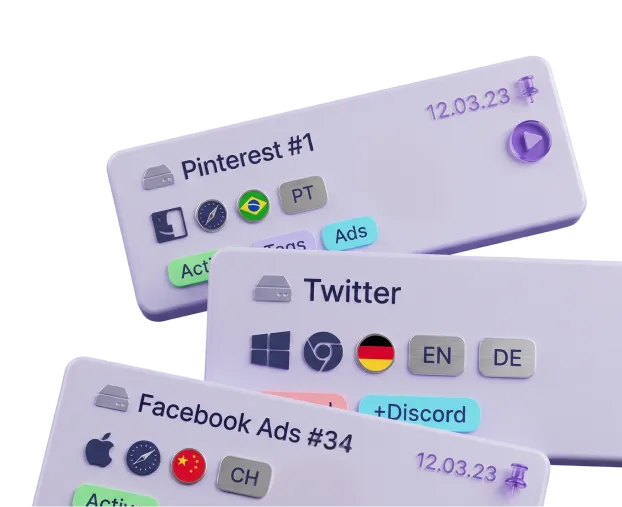
3. Create profiles

Create multiple profiles with unique fingerprints, proxies, and cookies — all in one place.

3. Create profiles

4. Start working

Use isolated profiles across different websites and platforms without conflicts or accidental bans.

4. Start working

Where and how is the Panopticlick browser testing service used?

Panopticlick, now known as Cover Your Tracks, is not just a testing tool but a research project developed by the Electronic Frontier Foundation (EFF). Its main goal is to help users understand how unique their browser is — and therefore, how susceptible it may be to tracking. Panopticlick is useful for individual users, privacy experts, and even bot developers, as it provides an accurate analysis of how well a browser is protected against various tracking techniques. Below are several usage scenarios that demonstrate its value:

Privacy-conscious users

Privacy-conscious users

Panopticlick is an educational tool that allows everyday users to check the effectiveness of their current privacy settings. It helps assess how unique a user's browser is compared to others on the Internet. For example, the test shows that 84% of browsers have a unique fingerprint, making them easy targets for trackers.

Researchers and developers

Researchers and developers

Panopticlick collects anonymous data on browser configurations, which helps study the evolution of tracking techniques. Developers of anti-detect browsers and privacy tools can use the service to test how effective their methods are against fingerprinting.

Security specialists and compliance managers

Security specialists and compliance managers

Companies can use Panopticlick to evaluate how vulnerable their corporate browsers are to tracking and to take measures to protect employee data.
Under GDPR and other privacy laws, organizations must comply with regulatory requirements and minimize data collection. Panopticlick helps assess which parameters might compromise privacy.

01 / 03

Why should you use Panopticlick together with the Undetectable anti-detect browser?

The combination of Panopticlick and the Undetectable anti-detect browser is an effective approach to achieve maximum anonymity and protection against tracking online. Here are the key reasons why you should use them together:

Verification of anti-detect browser performance

Undetectable creates isolated profiles with distinct digital fingerprints, emulating different devices and browsers. Panopticlick verifies how effectively these changes mask real parameters. It compares the fingerprint’s uniqueness before and after configuration and detects potential data leaks (for example, matching a WebGL hash with your actual hardware). Without verification through Panopticlick, you can’t be sure your anti-detect browser truly protects you.

Bypassing advanced fingerprinting systems

Modern trackers use combined techniques (Canvas, WebGL, AudioContext) to bypass basic protection and identify your device’s characteristics. Undetectable alters parameters at the browser level, but it’s essential to confirm this in practice. Panopticlick tests precisely these advanced methods and highlights where additional configuration may be needed.

Profile optimization for specific use cases

For SMM managers, arbitrage marketers, or web developers, it’s crucial that each Undetectable profile looks like a real user, not a bot. Panopticlick evaluates how natural a digital fingerprint appears (for instance, whether the combination of fonts and screen resolution is typical) and its prevalence (low entropy = less suspicion from platforms). This helps prevent account bans caused by “too perfect” or anomalous configurations.

Special offer!

Sign up now and get a free plan with 5 cloud profiles in Undetectable! Takes 2 minutes.

Try for free

How to get started with Undetectable

Just five steps separate you from safe and undetectable work online. Sign up, install the browser and connect a proxy — within a couple of minutes you'll be able to create separate profiles without fingerprint overlap and safely manage multiple accounts.

  1. 1Sign up on the website and confirm your e-mail
  2. 2Choose a plan in your account. Free by default
  3. 3Download and install the app for Windows / macOS
  4. 4Create your first profile in the Undetectable browser
  5. 5Add proxies and start managing accounts without the risk of bans
How to get started with Undetectable

Frequently Asked Questions (FAQ) about the Panopticlick Service

Still have questions?

Have questions or need assistance? Our team is here to help!

Contact us

Conclusion

Using the Undetectable Browser together with Panopticlick is not merely a combination of two tools — it's a full-fledged strategy. It marks a shift from passive "anti-detect protection" to active "digital identity emulation." Undetectable provides the operational mechanism to create and manage unique digital fingerprints, while Panopticlick functions as an external verifier that validates the quality and consistency of those fingerprints.

Conclusion