Updates
Undetectable 2.52.0: Chromium 155, background profile launching, and a more organized workflow
Undetectable 2.52.0: Chromium 155, background profile launching, and a more organized workflowUpdates
When you work with multiple accounts, convenience comes down to the details: how profiles open, how easy it is to find the right set, and how many actions it takes to get ready for work.
In Undetectable 2.52.0, we updated the core to Chromium 155, added the ability to launch profiles in the background, and improved tag management. Here’s where these changes will be useful in your daily tasks.
Chromium 155
We updated the Undetectable core to Chromium 155.
The core is responsible for running website code and displaying pages. It powers the interfaces you interact with every day: ad accounts, publishing editors, analytics dashboards, and e-commerce services.
Regular core updates help maintain browser compatibility with evolving web technologies. For users, this is the technical foundation of everyday work: opening services, using their tools, and completing tasks inside profiles.
If you use profiles that were created a long time ago, Undetectable also provides a separate option to update the browser version in their configurations. It is available in the profile manager via the “Update browser” item — read more in the guide.
Run automation without getting distracted from your work
A new option has been added to the profile launch mode selection — launch in the background. It will come in handy if you run automation while using your computer for other tasks at the same time.
For example, a script opens and closes profiles one by one while you are filling out a spreadsheet or reviewing a report. When launched in the foreground, each new browser window appears on top of your work window. You have to switch back to your task again — and this continues throughout the entire scenario.
With the new mode, profiles launched by the script open in the background. You can keep working on your computer while the automation performs its tasks. This is especially convenient for long scenarios with the sequential launch of many profiles.
To use this option, select “launch in the background” in the profile launch mode setting.
Clear tags from multiple profiles at once
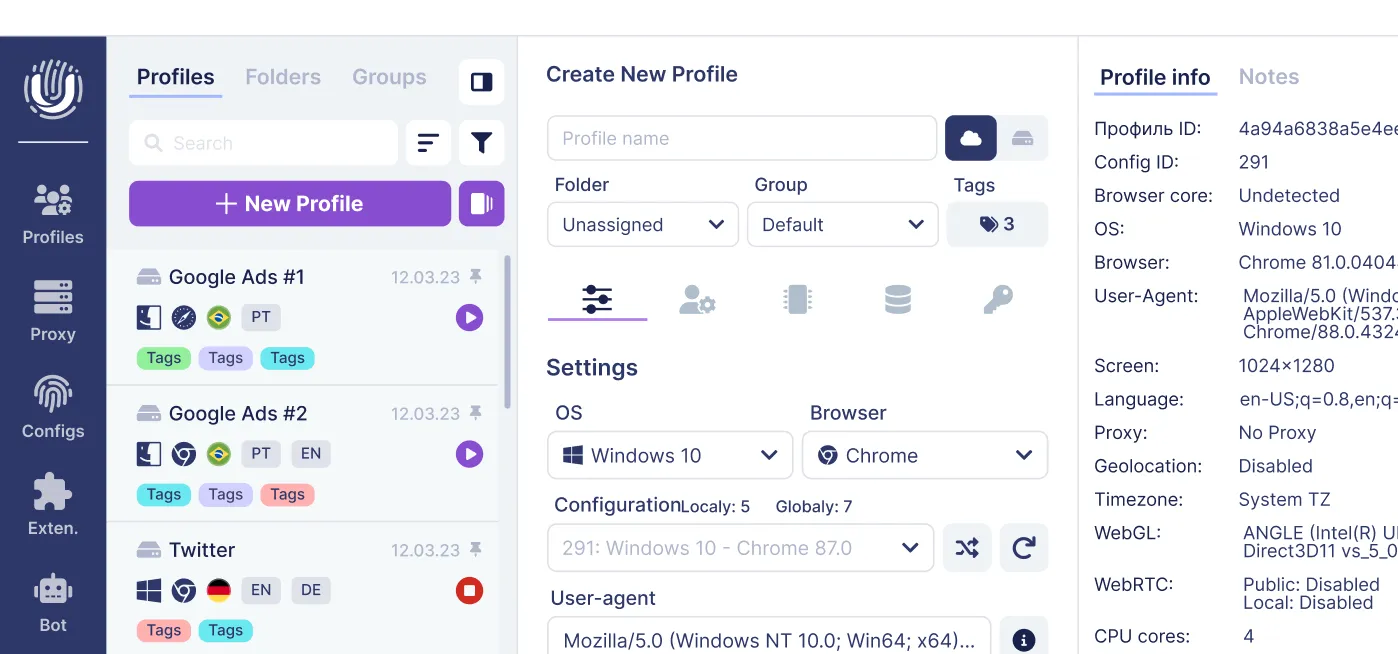
In version 2.52.0, the profile manager now has a “Clear tags” button. Bulk tag assignment was already available before, and now you can also remove tags from several selected profiles at once.
Tags help organize accounts by clear work-related criteria: project, platform, GEO, or preparation stage. For example, you can use labels like “Client A,” “For review,” and “Ready for work” to navigate the list faster.
When a project is completed or a set of accounts moves on to another task, previous labels may become outdated. To remove them, select the required profiles in the manager and click “Clear tags”. If necessary, you can then assign new tags for the current project or stage of work.
Bulk cleanup removes the need to clear tags from each profile individually. This makes it easier to prepare a set for the next task and keep your labeling up to date, so old labels won’t get in the way when navigating the list.
Try the update in your workflow
In Undetectable 2.52.0, we focused on actions that are repeated every day. The updated core, launching profiles in the background during automation, and bulk tag cleanup help make working with profiles more convenient.
Related posts
View all articlesJoin 450,000+ users who chose Undetectable
- Advanced anti-detection technology
- Unlimited local profiles from $49
- The perfect solution for multi-accounting