Updates
Update Undetectable browser 2.8.0 – Dark theme and minor features
Update Undetectable browser 2.8.0 – Dark theme and minor featuresUpdates
The Undetectable browser 2.8.0 update brings new functionality and a dark theme that users are excited about. The dark theme has gained immense popularity for creating a pleasant atmosphere in low-light conditions, reducing eye strain, and minimizing device energy consumption. The update also includes mass profile creation with geolocation, Google account synchronization, auto-login, and improved spoofing to protect against detection. Users can access these new features through the local API. Read on for more details.
Dark Theme in Undetectable browser
The update introduces a highly anticipated feature - the dark theme. This significant update aims to provide a more comfortable and secure user experience for all Undetectable users. The dark theme, also known as the night mode, has long been one of the most popular and sought-after interface designs. Now, Undetectable users can enjoy this aesthetically pleasing option. The dark theme not only creates a pleasant atmosphere in low-light conditions but also helps reduce eye strain and device energy consumption, which is especially important for prolonged use of the program.
To activate the dark theme, go to "Settings," then the "General" tab, and in the "App" subsection, find the dropdown menu labeled "Theme" to enable the new design.
Minor Technical Improvements in Version 2.8.0
New Mass Profile Creation Functionality
Mass profile creation now includes a new file import format that allows setting geolocation coordinates. Select "Mass Creation" → "Format," and it will appear in the dropdown menu. You can obtain a sample file format by clicking "?" next to the "Format" field.

Google Account Synchronization
In the settings, in the same section where the dark theme is located, a checkbox labeled "Enable Google Sync" has been added. It allows enabling the synchronization of Google accounts in browser profiles.

Auto-login to the Program
Now, if you have selected the "Remember Me" checkbox when starting the program, it will automatically open without the login window. If someone else has access to your workstation, we recommend disabling this feature. To uncheck the checkbox, go to the "Account" tab and log out of the program.

Quick Proxy Check from the Profile List
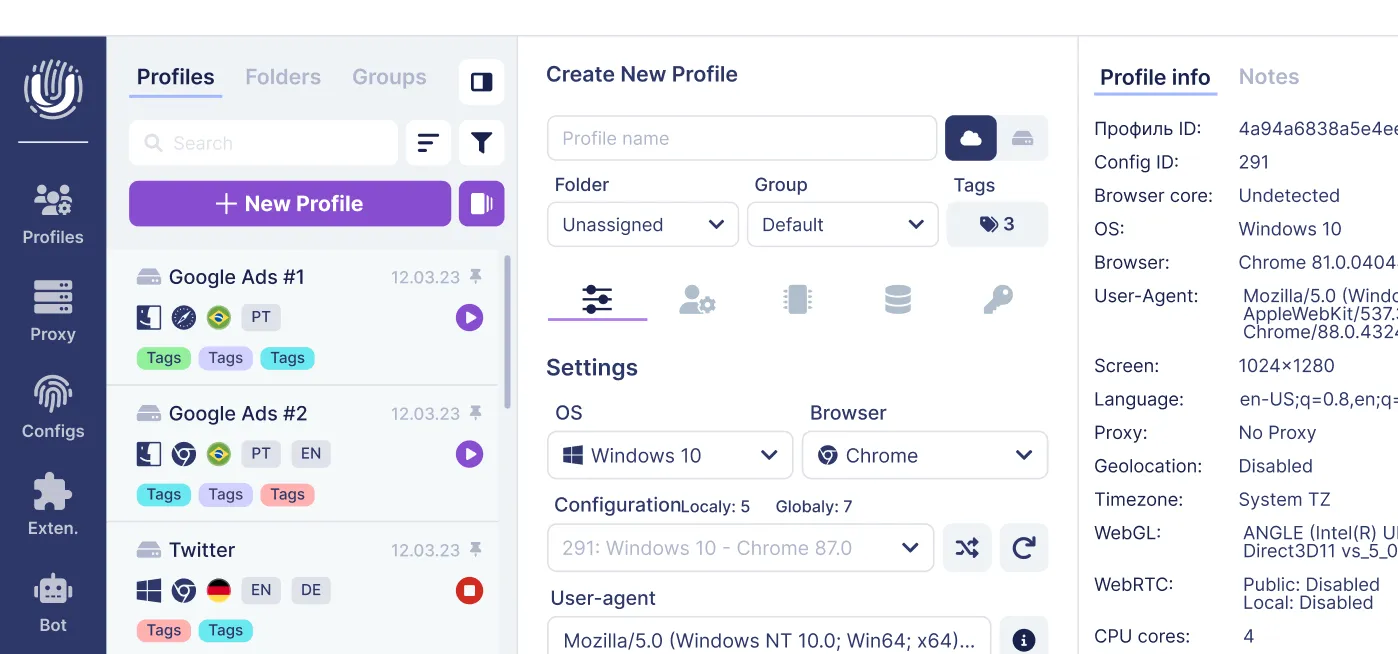
In the main menu, small icons have been added next to the flags in the profile list, allowing for quick verification of connected proxy information.
Improved Spoofing
We cannot overlook the improvement of the browser's core functions - detection protection. This update includes enhancements to memory device detection and changes to the spoofing of certain request headers.
New Undetectable API Features
Two new features have been added to the local API:
- The ability to set tags via the /profile/create and /profile/update/ API.
- The ability to set geolocation via the /profile/create and /profile/update/ API.
For more information about the API, refer to the help center.
Bug Fixes
- In the local API, when creating a profile with empty parameters, the default settings are now considered instead of random data.
- Minor bug fixes.
Related posts
View all articlesJoin 450,000+ users who chose Undetectable
- Advanced anti-detection technology
- Unlimited local profiles from $49
- The perfect solution for multi-accounting